
The demand for IPTV streaming apps is growing rapidly as users move away from traditional cable TV and switch to internet-based entertainment. Today, viewers want flexible, fast, and high-quality streaming on multiple devices like Smart TVs, Android boxes, Firestick, smartphones, and laptops.
But choosing the best IPTV apps is not easy because there are many options available in the market. Some apps focus on speed, some on design, and others on advanced features like EPG, multi-screen support, and playlist management.
In this guide, we will explore the top IPTV apps, compare their features, and help you choose the right IPTV player based on your needs.
What Are IPTV Apps?
IPTV apps are media players that allow users to stream TV channels, movies, and series using an M3U playlist or Xtream Codes API provided by an IPTV service provider.
These apps do not provide content themselves. Instead, they act as a platform to load and organize IPTV streams.
Common features include:
- Live TV streaming
- Video on Demand (VOD)
- EPG (Electronic Program Guide)
- Multi-device support
- Playlist management (M3U/Xtream Codes)
- Catch-up TV and recording (in some apps)
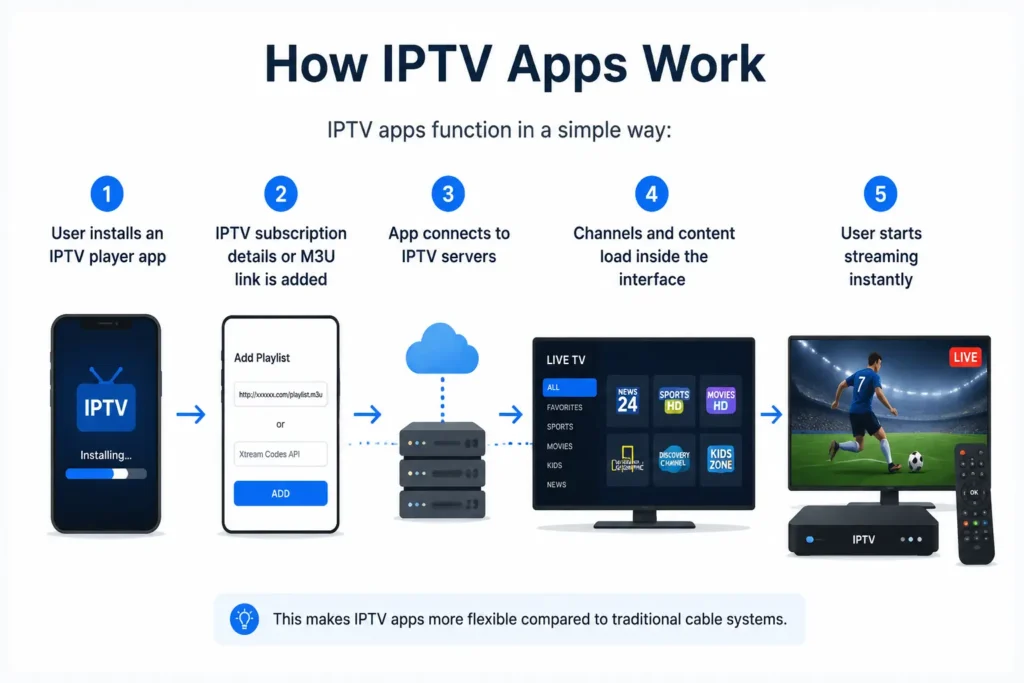
How IPTV Apps Work
IPTV apps function in a simple way:
- User installs an IPTV player app
- IPTV subscription details or M3U link is added
- App connects to IPTV servers
- Channels and content load inside the interface
- User starts streaming instantly
This makes IPTV apps more flexible compared to traditional cable systems.
Top 6 Best IPTV Apps in 2026
Below is a comparison of the best IPTV apps based on performance, compatibility, and features.
1. TiviMate IPTV Player (Best Overall for Android & Firestick)
TiviMate is widely considered one of the most powerful IPTV players.
Key Features:
- Modern TV-style interface
- Multi-playlist support
- Advanced EPG guide
- Catch-up TV support
- Favorites and category management
Best For: Android TV & Firestick users
Pricing: Free version available, Premium approx. $4.99/year
2. IPTV Smarters Pro (Best Multi-Device IPTV App)
One of the most popular IPTV apps globally.
Key Features:
- Xtream Codes API support
- M3U playlist support
- Multi-screen viewing
- Built-in video player
- User-friendly UI
Best For: Android, iOS, Windows, Smart TVs
Pricing: Free with premium upgrades
3. Televizo IPTV Player (Best Lightweight IPTV App)
A fast and simple IPTV app for low-end devices.
Key Features:
- Fast channel loading
- Clean interface
- EPG support
- Parental controls
Best For: Older Android TVs & low-performance devices
4. GSE Smart IPTV (Best for iOS & Apple TV)
A powerful IPTV app for Apple users.
Key Features:
- Supports M3U & JSON playlists
- Xtream Codes API support
- Advanced settings
- Subtitle and language options
Best For: iPhone, iPad, Apple TV
5. OTT Navigator IPTV (Best for Advanced Users)
A highly customizable IPTV player.
Key Features:
- Advanced sorting and filters
- Picture-in-picture mode
- Fast search system
- Multi-provider support
Best For: Power users and IPTV enthusiasts
6. IPTV.org Playlist Player (Best Free Legal Option)
A free IPTV directory player for public channels.
Key Features:
- Free public IPTV lists
- Lightweight design
- Open-source compatibility
Best For: Free legal streaming content
IPTV Apps Comparison Table
| IPTV App | Best For | Key Feature | Platform | Pricing |
| TiviMate | Android/Firestick | Advanced EPG | Android TV | Freemium |
| IPTV Smarters Pro | Multi-device | Xtream Codes | All platforms | Free |
| Televizo | Lightweight use | Fast performance | Android | Free |
| GSE IPTV | Apple devices | Playlist support | iOS/macOS | Free |
| OTT Navigator | Advanced users | Customization | Android | Free |
| IPTV.org | Free streaming | Legal IPTV lists | Web/Android | Free |
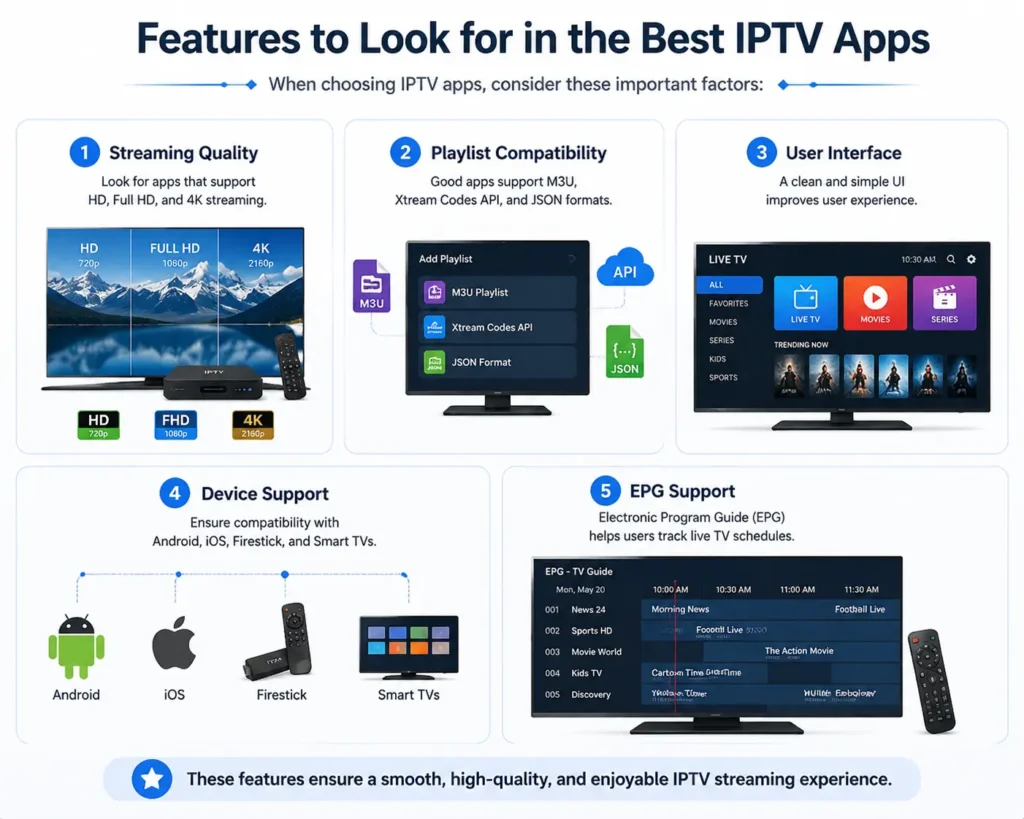
Features to Look for in the Best IPTV Apps
When choosing IPTV apps, consider these important factors:
1. Streaming Quality
Look for apps that support HD, Full HD, and 4K streaming.
2. Playlist Compatibility
Good apps support M3U, Xtream Codes API, and JSON formats.
3. User Interface
A clean and simple UI improves user experience.
4. Device Support
Ensure compatibility with Android, iOS, Fire TV Stick, and Smart TVs.
5. EPG Support
Electronic Program Guide helps users track live TV schedules.
Benefits of Using IPTV Apps
Using IPTV apps offers many advantages:
- Watch live TV anytime
- Access global channels
- No need for cable connection
- Multi-device streaming
- On-demand movies and series
- Affordable entertainment solution
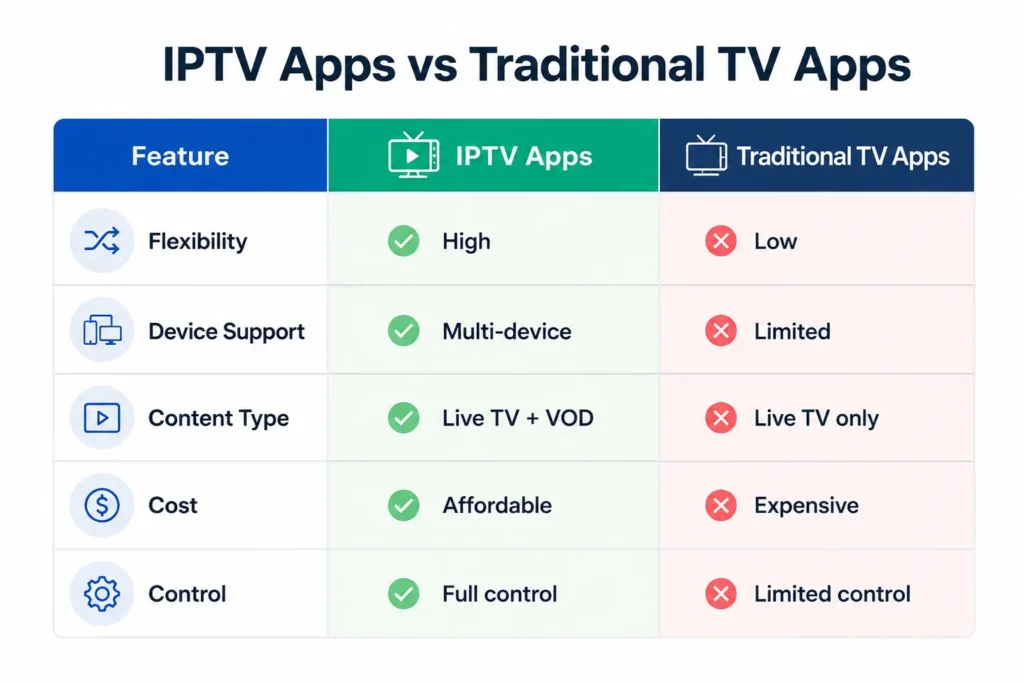
IPTV Apps vs Traditional TV Apps
| Feature | IPTV Apps | Traditional TV |
| Flexibility | High | Low |
| Device Support | Multi-device | Limited |
| Content Type | Live + VOD | Live only |
| Cost | Affordable | Expensive |
| Control | Full control | Limited control |
Why IPTV Apps Are Growing Fast
The rise of IPTV apps is driven by:
- Increasing internet speed
- Demand for on-demand content
- Smart TVs and mobile streaming
- Lower cost than cable TV
- Global content accessibility
This makes IPTV apps the future of digital entertainment.
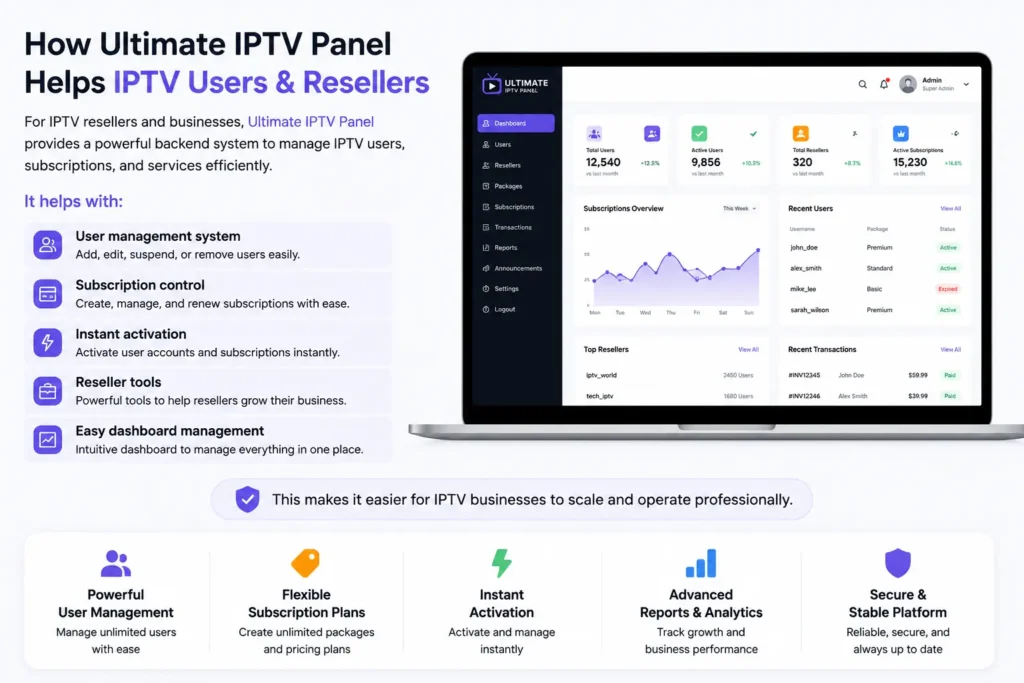
How Ultimate IPTV Panel Helps IPTV Users & Resellers
For IPTV resellers and businesses, Ultimate IPTV Panel provides a powerful backend system to manage IPTV users, subscriptions, and services efficiently.
It helps with:
- User management system
- Subscription control
- Instant activation
- Reseller tools
- Easy dashboard management
This makes it easier for IPTV businesses to scale and operate professionally.
Final Verdict
The best IPTV apps depend on your device and streaming needs. If you want advanced features, choose TiviMate. For multi-device support, IPTV Smarters Pro is the best option. Apple users can go with GSE IPTV, while advanced users may prefer OTT Navigator.
As IPTV continues to grow, choosing the right IPTV app ensures a smooth, flexible, and high-quality streaming experience.